Support
Get help
PaySlate support starts with the documentation: setup, payments, and invoice workflows are all covered. The 3-step walkthrough fixes most first-run confusion.
Support answers come from the developers who build PaySlate.
Report a problem
Use the contact form with: your WordPress and PHP versions, your gateway, what you expected, what happened instead, and any error text. Screenshots help. Pro customers get priority response.
Before you write in
- Payments not updating an invoice? 9 times out of 10 the webhook isn’t configured: check the gateway steps in Stripe / Square setup.
- Emails not arriving? test your site’s outgoing mail first; PaySlate sends through WordPress mail.
- Version requirements: WordPress 6.4+, PHP 7.4+.
How PaySlate support works
Furthermore, for install questions, the WordPress.org listing covers requirements.
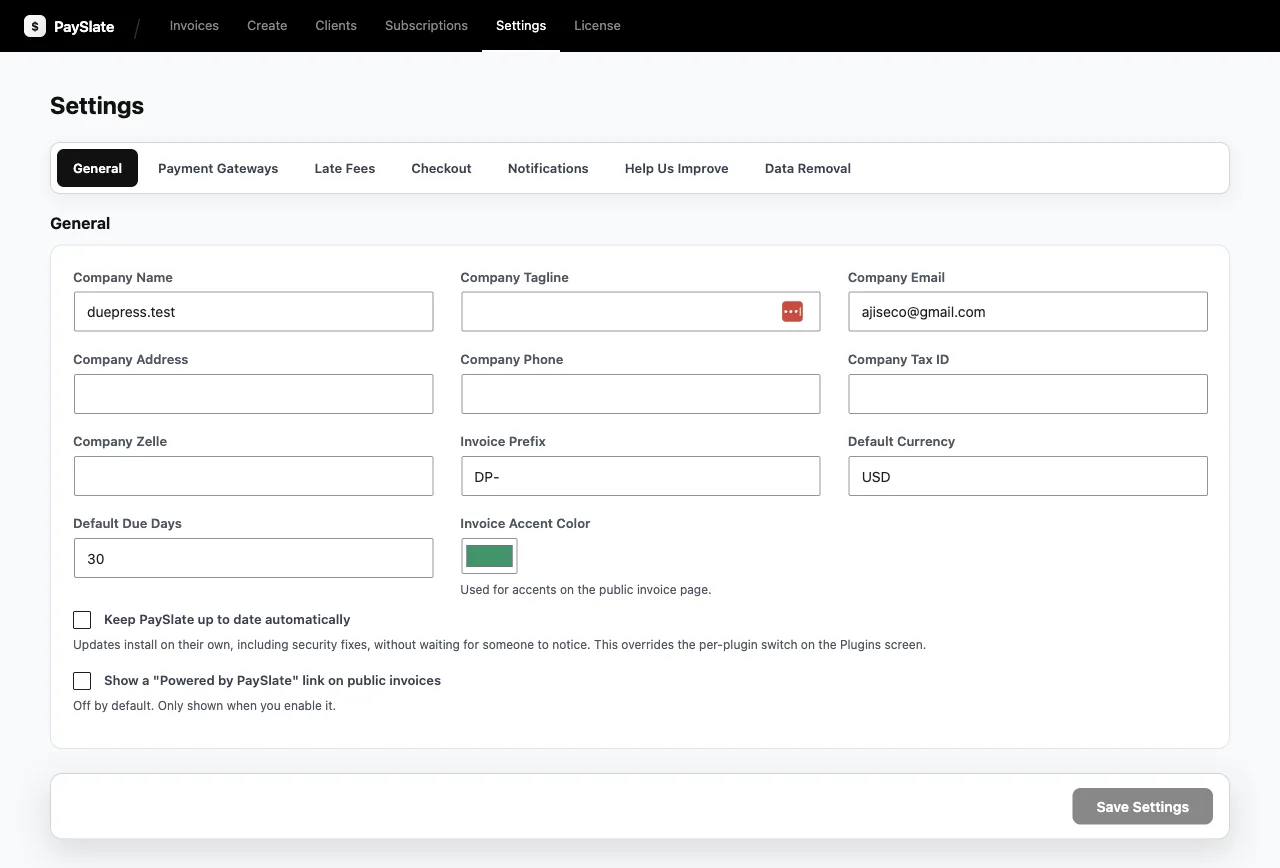
How PaySlate support works
Moreover, for install questions, the WordPress.org listing covers requirements.