Self-Hosted Invoicing
Every SaaS invoice you send lives in someone else’s database, behind someone else’s login, on someone else’s pricing page. Self-hosted invoicing flips that: the software runs on your server, the data sits in your database, and nobody can raise the rent or sunset your plan. Here’s the honest case, including what self-hosting costs you, and the shortcut most comparisons miss.
Why self-host your invoicing
- Data ownership. Additionally, additionally, client records, amounts, payment history, this is business-critical data. In your own database it’s queryable, backupable, exportable, yours. In a SaaS it’s an export button the vendor controls, formatted how they choose, available while your subscription is current.
- No subscription decay. Moreover, saaS invoicing runs $19-$65/month per user, forever (FreshBooks, June 2026, with the $19 tier capped at five clients). Self-hosted software costs what your hosting already costs.
- No lock-in, no surprises. Furthermore, vendor gets acquired, sunsets your plan, doubles the price? Your invoicing doesn’t notice.
- Your domain, your brand. In addition, clients pay at your-domain.com, not vendor.com/your-account with someone else’s logo in the corner.
What you give up (the honest part)
Self-hosting means the operational side is yours: backups, updates, uptime, SSL. The classic dedicated self-hosted apps, Invoice Ninja, InvoicePlane, SolidInvoice, Akaunting, are genuinely capable, but each wants its own server or container, its own database, its own update cadence, its own security patching. That’s a real systems-administration commitment, and it’s where most “I’ll self-host it this weekend” plans quietly die. If you’d enjoy running a Docker stack for your billing, those tools deserve a look. Most freelancers and agencies wouldn’t.
The WordPress shortcut
Here’s the move the self-hosting roundups miss: if you run a WordPress site, you already self-host. The backups, updates, SSL, and uptime questions are already answered, by your host or your existing routine. Adding invoicing to that stack isn’t a new server; it’s a plugin install. Same database you already back up, same domain your clients already trust, zero new infrastructure.
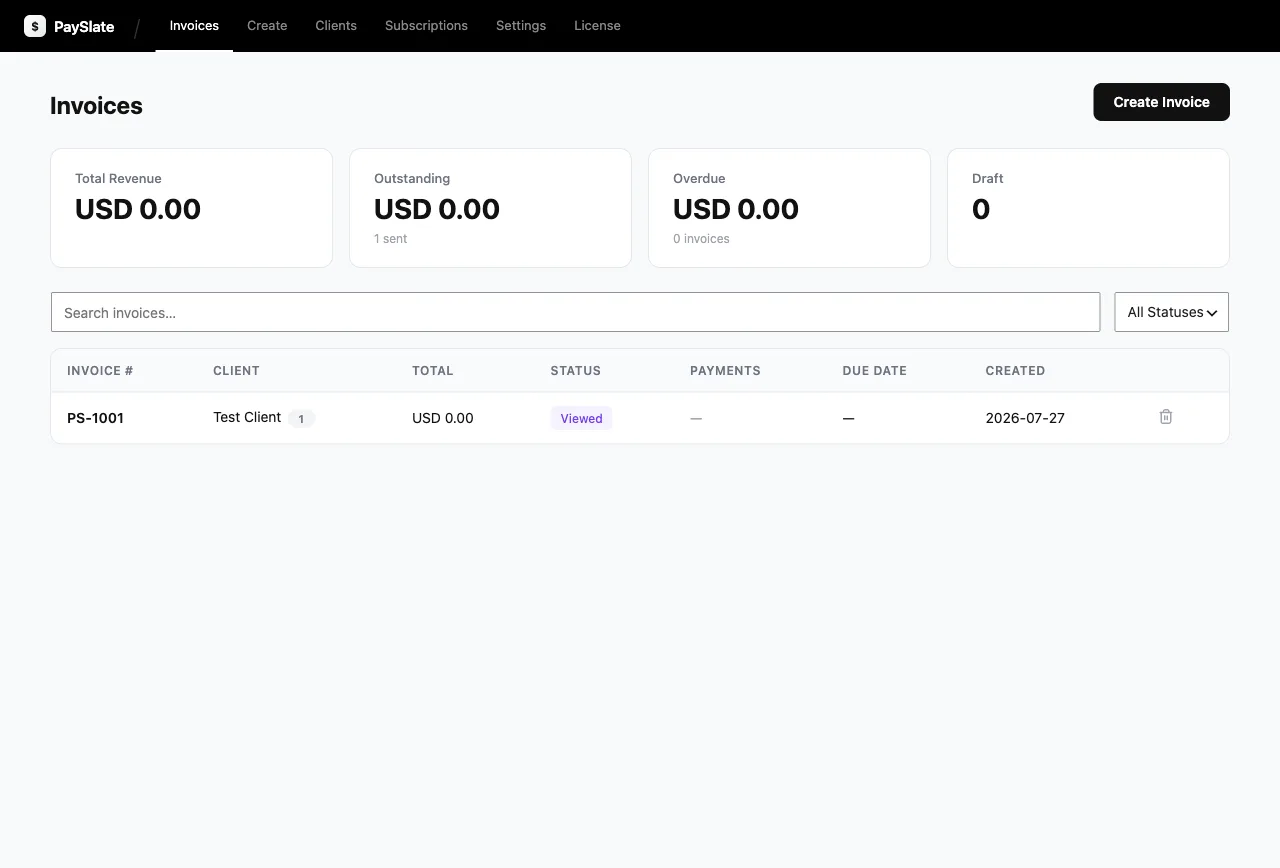
That’s precisely what PaySlate is: self-hosted invoicing with the operational cost of a WordPress plugin. Invoices and client records in your WP database. Payments flow from your client’s card through your own payment gateway account to your bank, no middleman ever holds your money. Deposits, partial payments, overdue reminders, PDF, activity log: all of it free, no per-invoice fees.
Self-hosted options compared
| Route | Infrastructure you manage | Cost | Best for |
|---|---|---|---|
| WordPress + PaySlate | The site you already run | $0 (Pro $79/yr) | Anyone with a WP site |
| Invoice Ninja (self-hosted) | Own server/container + DB | Free software + your ops time | Tech-savvy, feature-maximal |
| InvoicePlane / SolidInvoice | Own server + DB | Free software + your ops time | Minimalists who like sysadmin |
| Akaunting | Own server + DB | Free core, paid apps | Wants accounting too |
What you need to start
- A WordPress site (6.4+) on PHP 7.4+ with HTTPS, any decent host qualifies
- A payment gateway account for card payments
- Ten minutes: install → connect → send
Coming from a SaaS? The migration math and the ownership story, side by side: PaySlate vs FreshBooks. Choosing between WordPress plugins instead? The 7-plugin comparison.
Self hosted invoicing WordPress setup
Moreover, notably, start with the free plugin on WordPress.org.
Self hosted invoicing WordPress setup
Furthermore, start with the free plugin on WordPress.org.